Cameras everywhere, but footage nobody watches, ignored alarms and a recorder that is full just when you need it: that is the reality on many sites. Useful business video surveillance is designed as a complete system, from the cameras to the monitoring desk. This guide explains how to size it in Tunisia: camera choice, AI analytics, VMS, storage, network and legal framework.
Business video surveillance today
Modern video surveillance rests on three building blocks: IP cameras suited to each area, an analytics layer that detects events, and video management software (VMS) that records, plays back and distributes footage to the right operators. Waycon has designed and integrated these systems in Tunisia since 2004, with teams in Ariana and Sousse. For technology details, see our AI video surveillance page.
Choosing cameras: fixed, PTZ, thermal
Waycon selects each camera according to the site's real needs: viewing distance, lighting, environment and installation constraints.
Fixed cameras (bullet and dome)
They cover a defined field at all times: entrances, corridors, tills, loading bays. They are the base of any system.
Multi-sensor cameras
Several sensors in one housing cover a large area (car park, yard, junction) with few mounting points, so less cabling and fewer poles.
PTZ cameras
Pan-tilt-zoom cameras let operators follow a person or vehicle, or point automatically at an area in alarm.
Thermal cameras
They detect heat from a person or vehicle, without light and at long range. Thermal detects but does not identify, so it is paired with an optical camera. It is central to perimeter security.
Cameras for harsh environments
Dusty areas, exposed outdoor zones, industrial sites and explosive atmospheres need suitable housings and protection ratings.
Detect, recognise, identify: the px/m rule
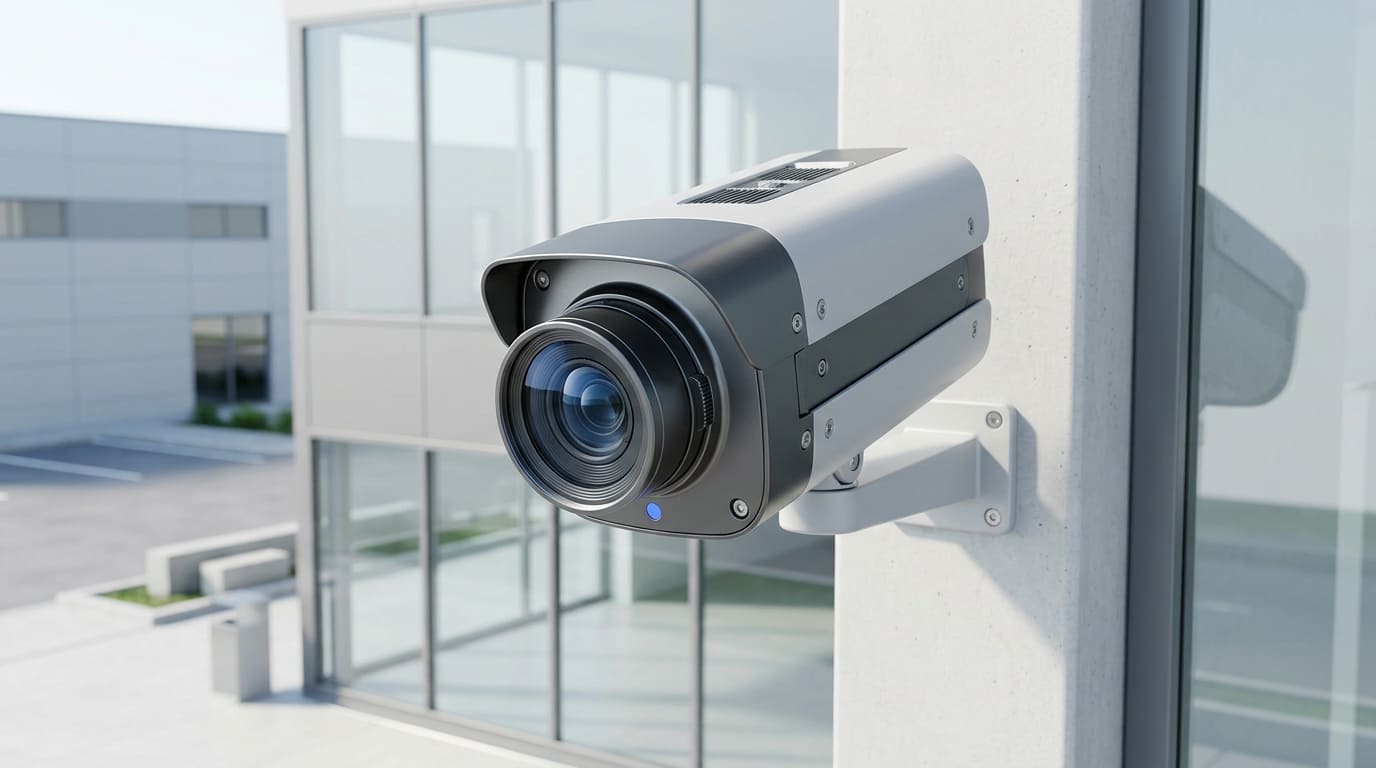
A badly placed camera cannot be fixed in post-processing. Before choosing a model, define what it must achieve: detect a presence, recognise a figure or vehicle, or formally identify a face or number plate. Each goal needs a different pixel density per metre (px/m) on the target, which sets the resolution, lens and mounting distance.
Higher resolution increases storage and bandwidth: 4K everywhere is not the answer. For plate reading, see our ANPR guide.
AI video analytics
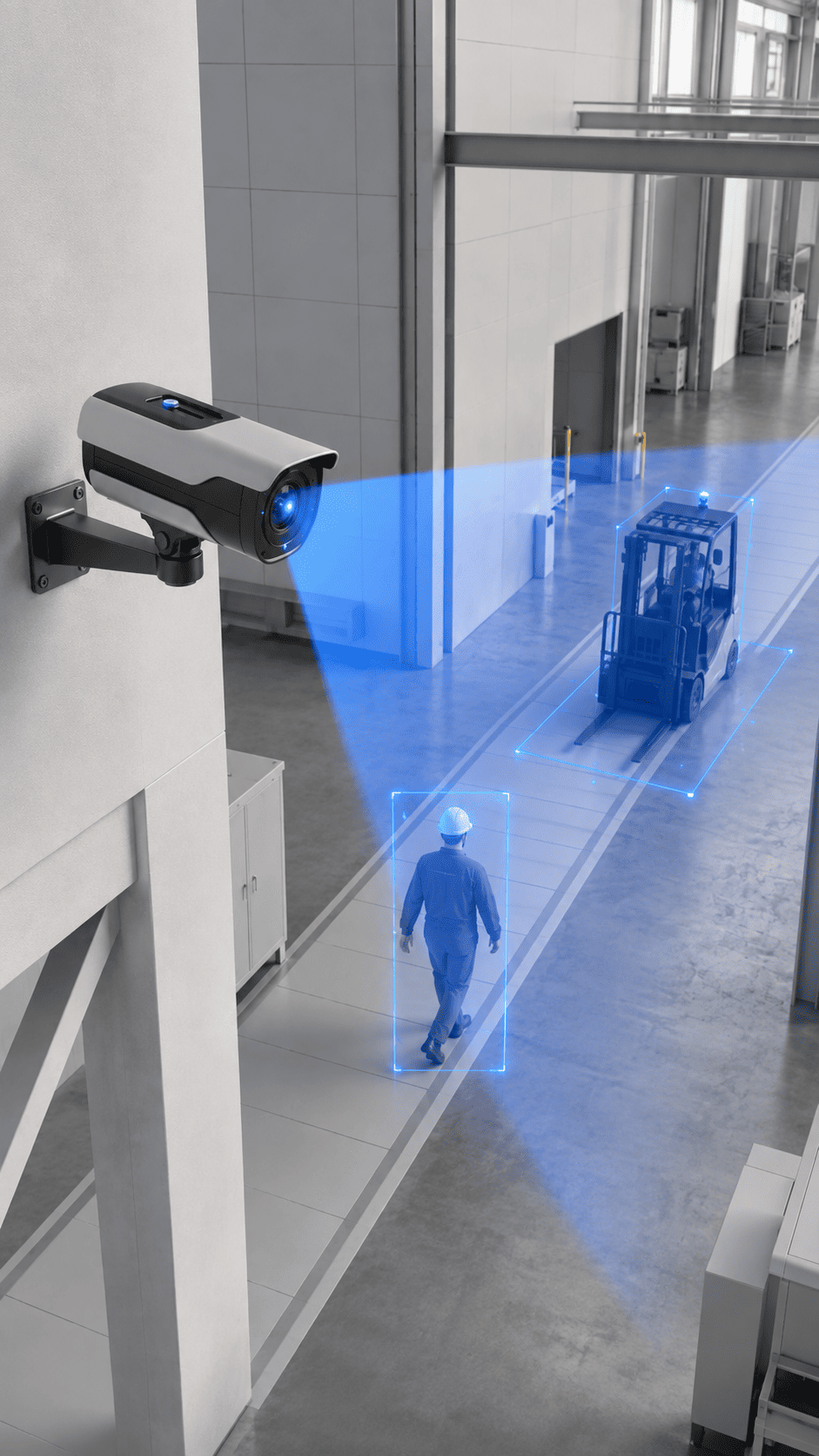
AI analytics turns the video stream into qualified events. Object and behaviour detection models cut alarm noise sharply compared with classic motion detection, provided they are tuned on the real scene rather than factory settings.
What AI detects
- intrusion into an area and line crossing;
- abandoned or removed objects;
- missing PPE (helmet, vest) and presence in restricted zones;
- crowding, people counting and occupancy statistics;
- wanted plates or vehicles.
Edge or server?
AI runs in the camera or an edge box, or on a server, depending on the number of streams and the expected latency. Waycon partner Hikvision builds this into its AcuSense cameras; read our article on AcuSense.
VMS, recording and storage
The VMS centralises recording, playback, time-stamped export and operator rights. It brings several sites under one console. Waycon works with Milestone among its VMS partners.
- Retention: set by purpose and applicable rules, then converted into storage volume.
- Redundancy: RAID, failover and secondary archiving so nothing is lost.
- Evidential export: time-stamped clips and an audit trail of viewing.
- Multi-site: inter-site bandwidth and per-site operator profiles.
Storage is the largest long-term cost: it is calculated from the number of cameras, resolution, codec and chosen duration.

Network, PoE and cybersecurity
An undersized network degrades the whole system. The project plans sized PoE switches, a video network separated from office IT, and secured streams: encryption, named accounts, changed default passwords, firmware updates and access logging.
Alarm verification and remote monitoring
An alarm without images means someone has to go and look. Linked to video, every intrusion alarm reaches the desk with footage of the area: the operator verifies, qualifies and triggers the right response. Streams can be relayed to a guard post or monitoring centre and viewed remotely on mobile. On large sites, an automated drone can complete verification; read our article on the drone as first responder.
Integration with other systems
Video is most valuable when linked to the rest of security: access control attaches an image to every passage, ANPR opens the barrier for authorised vehicles, perimeter detection points cameras at the alarm, and a hypervisor brings everything onto one screen. See our supervision and hypervision page.
Legal framework: INPDP and personal data
Filming people means processing personal data. In Tunisia, this falls under Organic Law No. 2004-63 on the protection of personal data and the National Authority for the Protection of Personal Data (INPDP). Without replacing legal advice, a few principles guide the design:
- define and document the purpose (security of property and people);
- complete the applicable formalities before going live;
- inform people with visible signage;
- avoid filming public roads or private areas unnecessarily;
- limit retention time and access to footage.
Some AI uses fall under stricter rules; they are validated before deployment.
Uses by sector
- Industry and logistics: loading bays, stock, hazardous areas, HSE and PPE compliance.
- Banking and insurance: branches, counters, vaults, centralised multi-site.
- Institutions and administrations: public reception, sensitive sites, export traceability.
- Transport: ports, airports, stations and depots.
- Offices and retail: buildings, car parks, visitor counting and flows.
Mistakes to avoid
- buying cameras without defining each one's mission;
- undersizing storage and finding recordings overwritten;
- keeping default passwords and exposing cameras to the internet;
- enabling AI without calibrating it on the real scene;
- installing without deciding who handles alarms;
- forgetting formalities and signage.
Checklist before requesting a quote
- the site plan and areas to cover;
- the goal for each area: detect, recognise or identify;
- existing equipment (cameras, recorders, network);
- the desired retention period;
- how monitoring is organised (guard post, remote monitoring, mobile);
- systems to connect: access control, intrusion, perimeter.
Gather these details, then contact us: an audit lets us size the solution. For a full project overview, read our electronic security integrator guide.